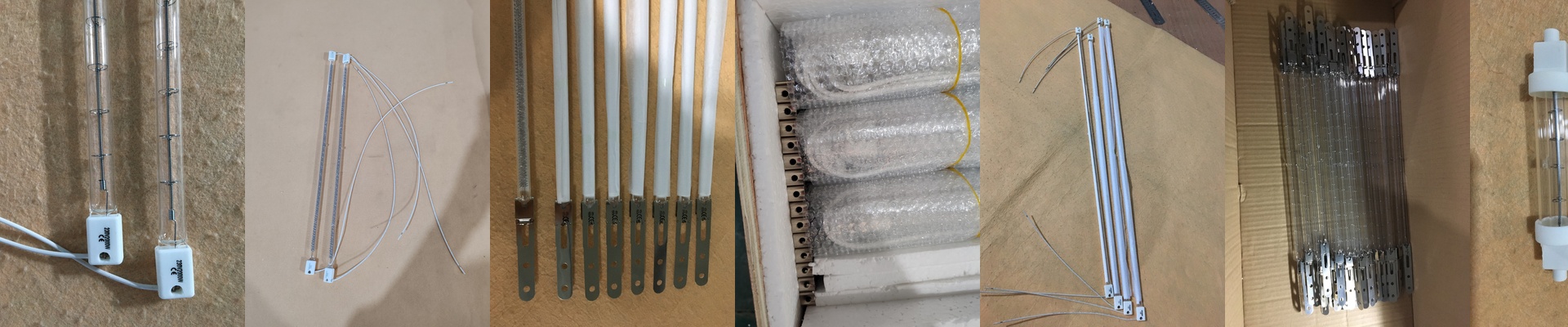
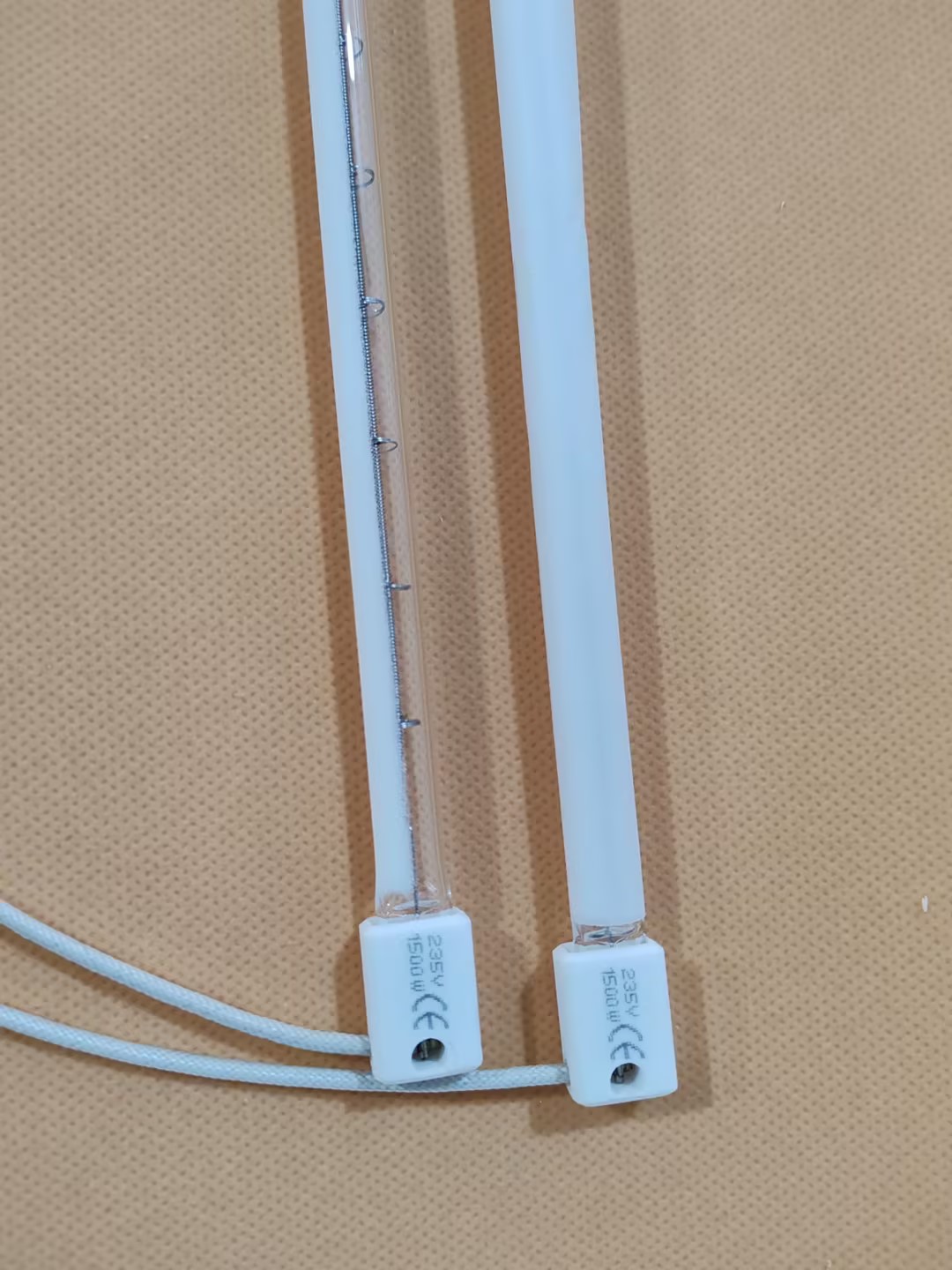
Getting Your Printer Curing Right with Quartz Halogen Lamps
When you’re running an industrial printer, you need heat—and you need it now. The goal is to set your inks or cure those coatings instantly, but without accidentally frying the material you’re printing on. That’s why we lean on quartz halogen lamps. They pump out high-intensity short-wave IR radiation that sinks into the surface fast. It’s efficient. It’s punchy. And it gets the job done. The trick with the power Here is the thing: the performance really comes down to how much wattage you’re cramming into the length of the tube. If you pack more watts into a shorter space, you get way more heat density. But you’ve got to be careful with your voltage. Whether you’re on 110V, 220V, or 380V, it has to match your power supply perfectly. If it doesn’t, your lamps are going to burn out way too soon. Plus, if you push the wattage too hard in a small area, things get hot—really hot. You’ll need to make sure your cooling fans can actually keep up, otherwise, you’re looking at a warped housing. Not a fun day at the office. Why quartz actually matters We use high-purity fused quartz for a reason. Standard glass just can’t take the hit. Quartz handles “thermal shock,” which is just a fancy way of saying it won’t crack when you flip the power on and off all day. To make your life easier, we use standard end-caps like R7s or SK15. If a tube pops, you just drop in a new one and keep moving. We also add specific coatings to the quartz. This helps aim the heat exactly where it needs to go—right into the ink—so you aren’t accidentally baking your printer belt. Setting it up Putting these lamps in is pretty simple, but where you put them is everything. You have to keep a steady distance from the print head. Get too close, and you’ll start cooking your electronics. And keep in mind, while these lamps hit temperature in a blink, they throw off a lot of waste heat. It’s a bit of a trade-off. If you want your ink to dry faster, you’re going to need a much more aggressive ventilation system. If you skimp on the airflow, the entire print carriage is going to overheat, and that’s where the real headaches start.